
Lesson 3: Creating Staff and Customers
Office Basics Course
- Lesson 1: Logging in to TrackTrade
- Lesson 2: A Quick Tour
- Lesson 3: Creating Customers and Staff
- Lesson 4: Creating Your First Job
In this 10-minute tutorial, we will do some preparation for creating our first Job. Creating a Job right now won't get far without Staff to operate/work them and Customers to even do them for so let's sort that first.
Create a Staff Member
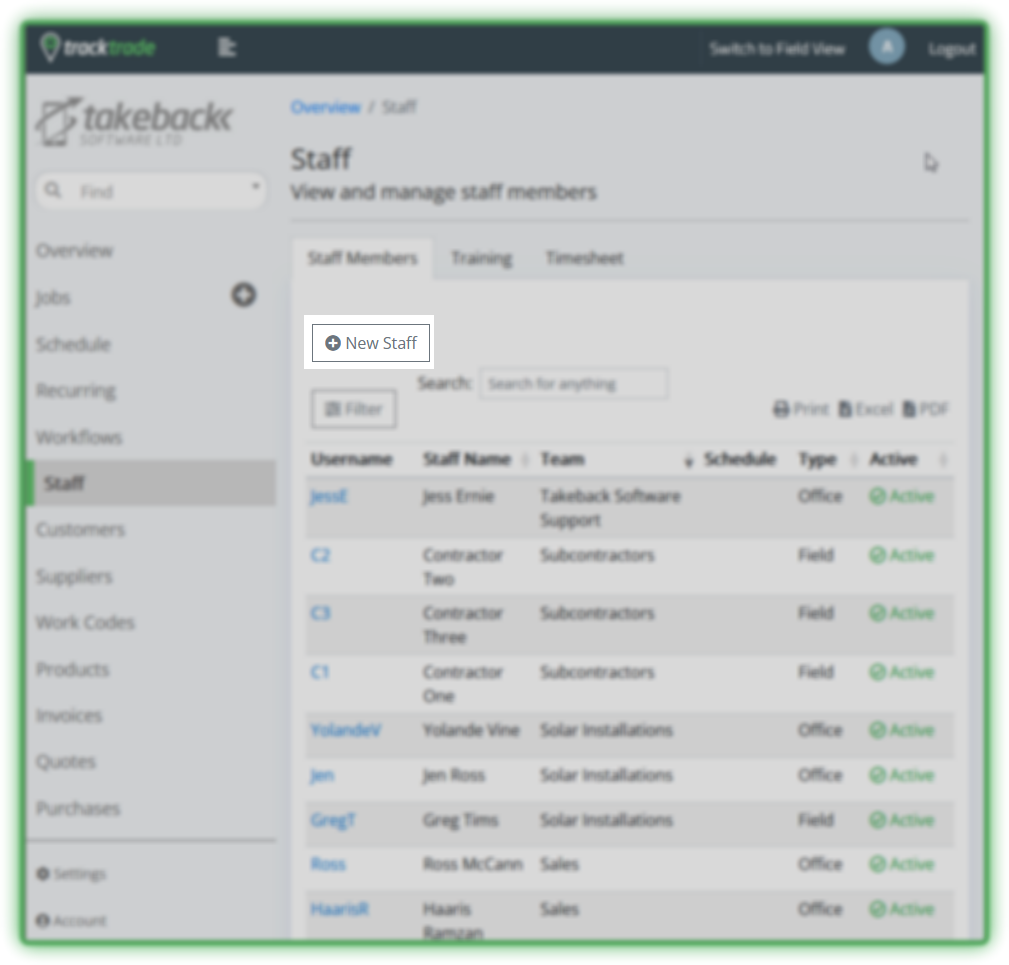
Enter the Staff section then select the New Staff button to go to the Create New Staff form page.
Enter the relevant details. Only the username, password and first name are strictly required but the more information you can fill then the more useful the app will become. Don't worry, you can always add further details later.
Hit Create and you have added a new Staff member! You will now see them in the Staff table and they will be available to add to Jobs.
You can select the Staff member in the table to go into their profile if you wish to view or edit their details.
Create a Customer
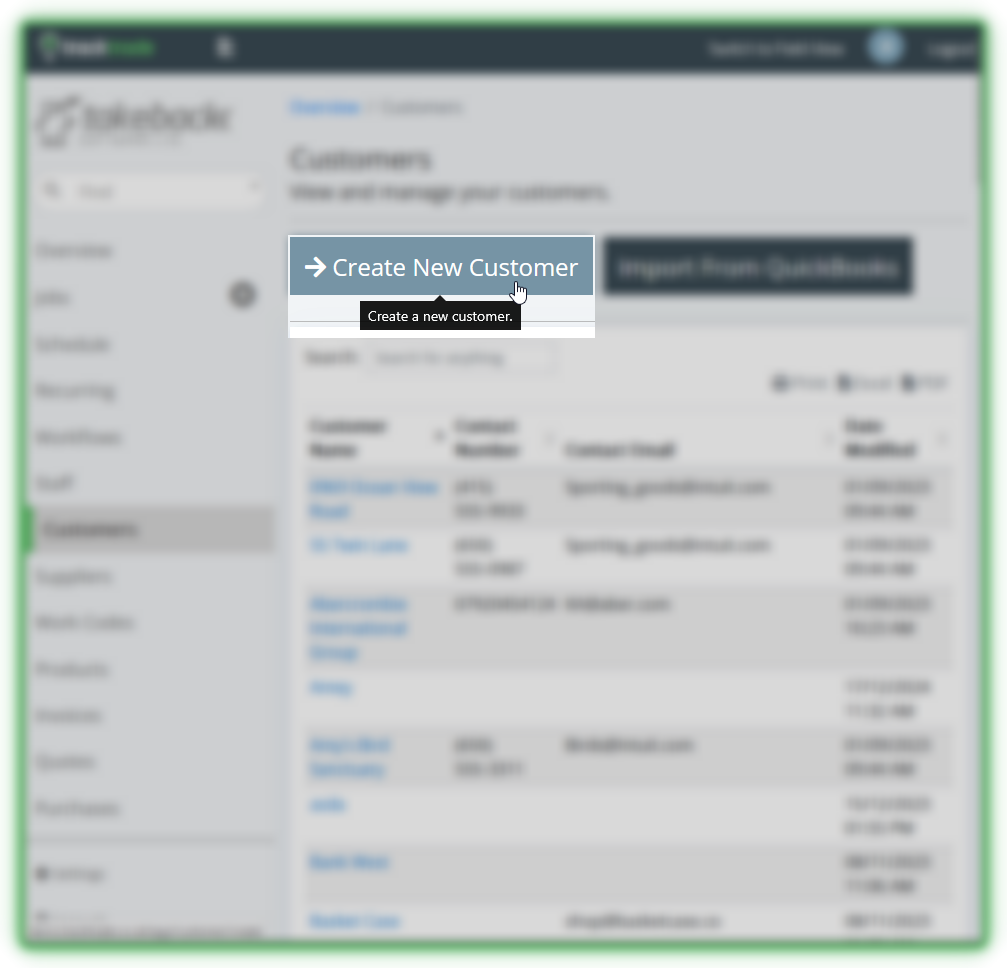
Head to the Customer section. Choose the Create New Customer button to head to the Create New Customer form page.
Only the first and last name are mandatory.
Now that you've created these accounts, let's move on to creating our first Job!
Next: Creating Your First Job