
Lesson 2: Logging in to TrackTrade (Field Staff)
Field Basics Course
- Lesson 1: Installing the TrackTrade App on Your Device
- Lesson 2: Logging in to TrackTrade
- Lesson 3: Working Through a Typical Job
For this lesson you'll need:
- The TrackTrade app installed on your device (check the previous lesson)
- Your unique username and password
Like before, your login details should be provided to you by your office manager. You do not need to sign up. If you don't have these details then contact your office.
It's pretty simple from here! Just open the TrackTrade app and enter your login details.
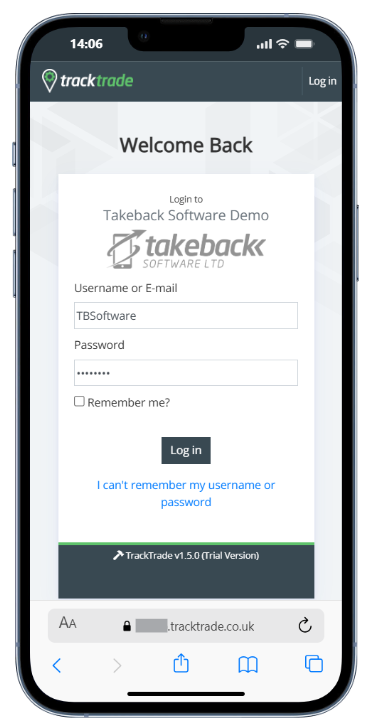
You should now be all set to use TrackTrade. If you're having trouble then double-check you are entering the name and password correctly and then contact your office for further assistance.